How to Use the 'Interview Me' Feature
Last updated: January 29, 2026
The Interview Me feature is a hands-free way to turn your thoughts into a polished post — all by answering a question out loud!
Instead of starting with a blank page, Stanley guides you through the process by asking you a question and turning your response directly into content.
Where to Find Interview Me 📍
Log into your Stanley account
Underneath the text input box, you’ll see Interview Me
Click Interview Me, then select Get started
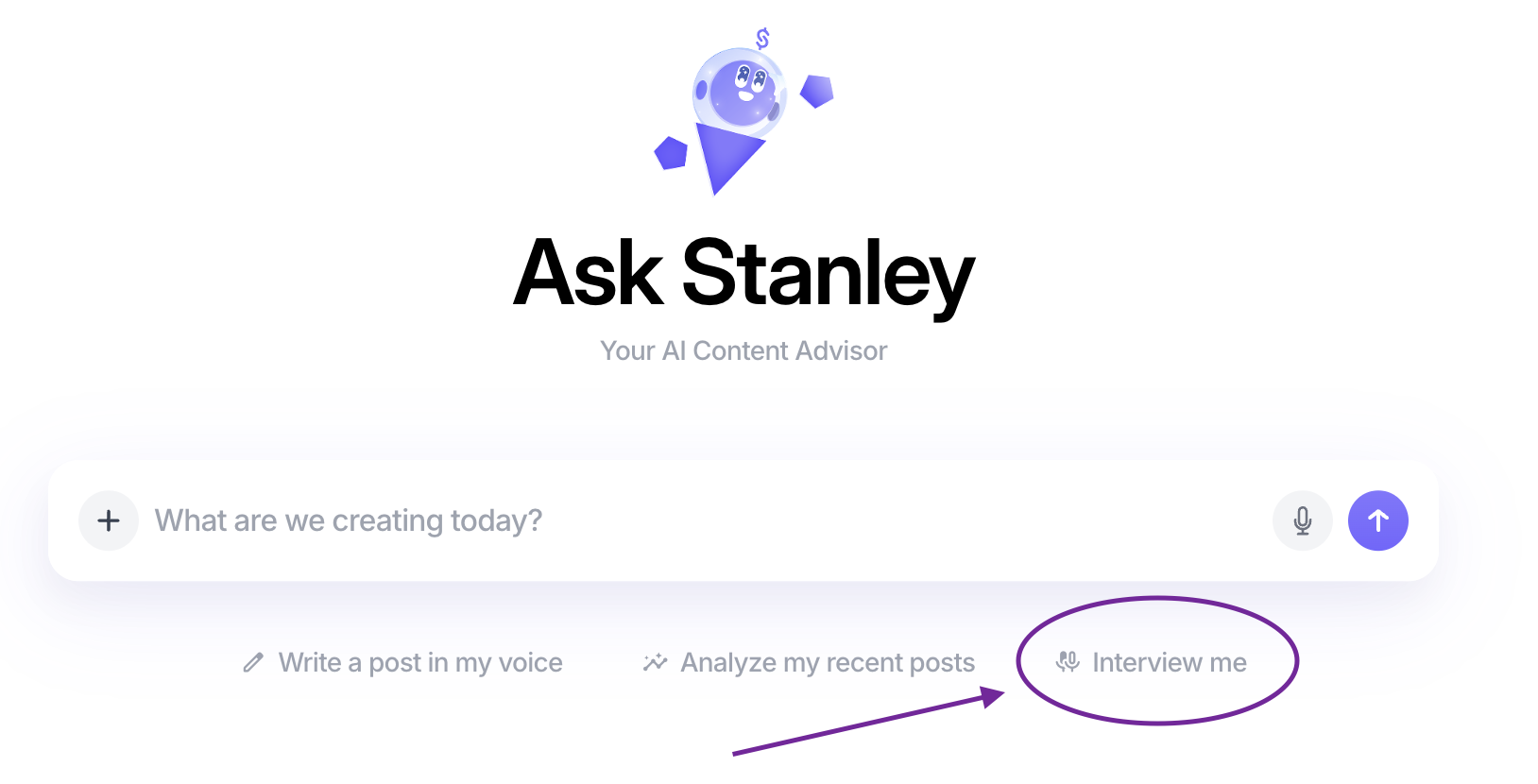
Once you click Get started, Stanley takes it from there.
How Interview Me Works 🧠
Stanley asks you a question
This is designed to spark a story, insight, or idea you can easily respond to.Once you're ready with your answer, click the microphone icon
Tap the microphone to record your response — no scripting required.Answer in your own words, and speak freely
Speak naturally, like you would to a friend. You don’t need to be polished or organized.Stanley generates a post!
Based on your spoken response, Stanley creates a written post you can review, edit, or publish.
Tips for Best Results 💡
Speak in full thoughts, but don’t overthink it
Pauses or rambling are totally okay — Stanley handles it
Imagine you’re explaining your idea to a real person, not “creating content”
Why Use Interview Me? 🚀
Perfect if writing feels hard but talking feels easy
Great for capturing an idea in response to curiosity
🙋 Need a hand?
If you run into any issues or have questions about using 'Interview Me', we’re here to help.
Just reach out to stanley@stanwith.me, and our team will take it from there 💜