How do I cancel my Stanley subscription?
Last updated: January 30, 2026
You can cancel your Stanley subscription at any time directly from your account settings!
Follow the steps below to cancel:
Step 1: Login to your account at stanley.stan.store
Step 2: Open the menu (☰) on the top left
Step 3: Scroll to the bottom of the menu and click your name
Step 4: Select Settings to open your account and subscription options
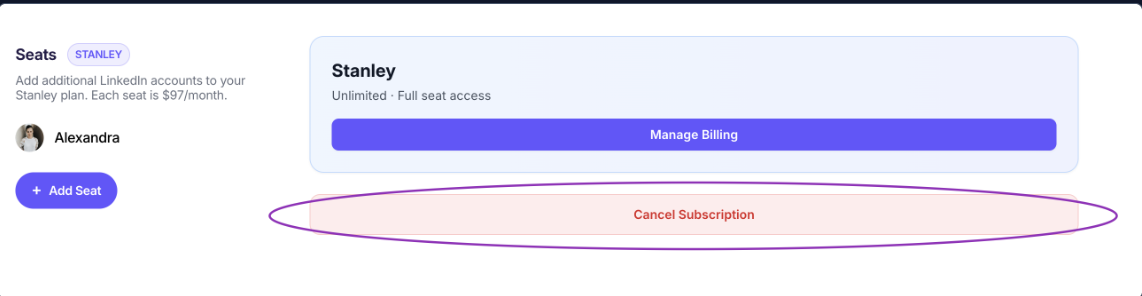
Step 5: click Cancel Subscription and follow the prompts to confirm.
Once canceled:
You’ll keep access through the end of your current billing period
You won’t be charged again
Changed your mind later?
No problem — you can resubscribe anytime and we'll be happy to have you back!
🙋 Need a hand?
If you’re having trouble canceling or don’t see the option in your settings, email us at stanley@stanwith.me and we’ll help you out 💌