How to find your Stanley referral link
Last updated: January 30, 2026
You can find your personal Stanley referral link directly from your account dashboard. This link is unique to you and tracks anyone who signs up through it.
Follow the steps below to locate it:
Log into your Stanley account
Go to stanley.stan.store and sign in.Open the menu ☰
Click the three lines in the top corner of your dashboard.Go to Referrals
From the menu, click Referrals to open your referral page.Click Create Your referral Link
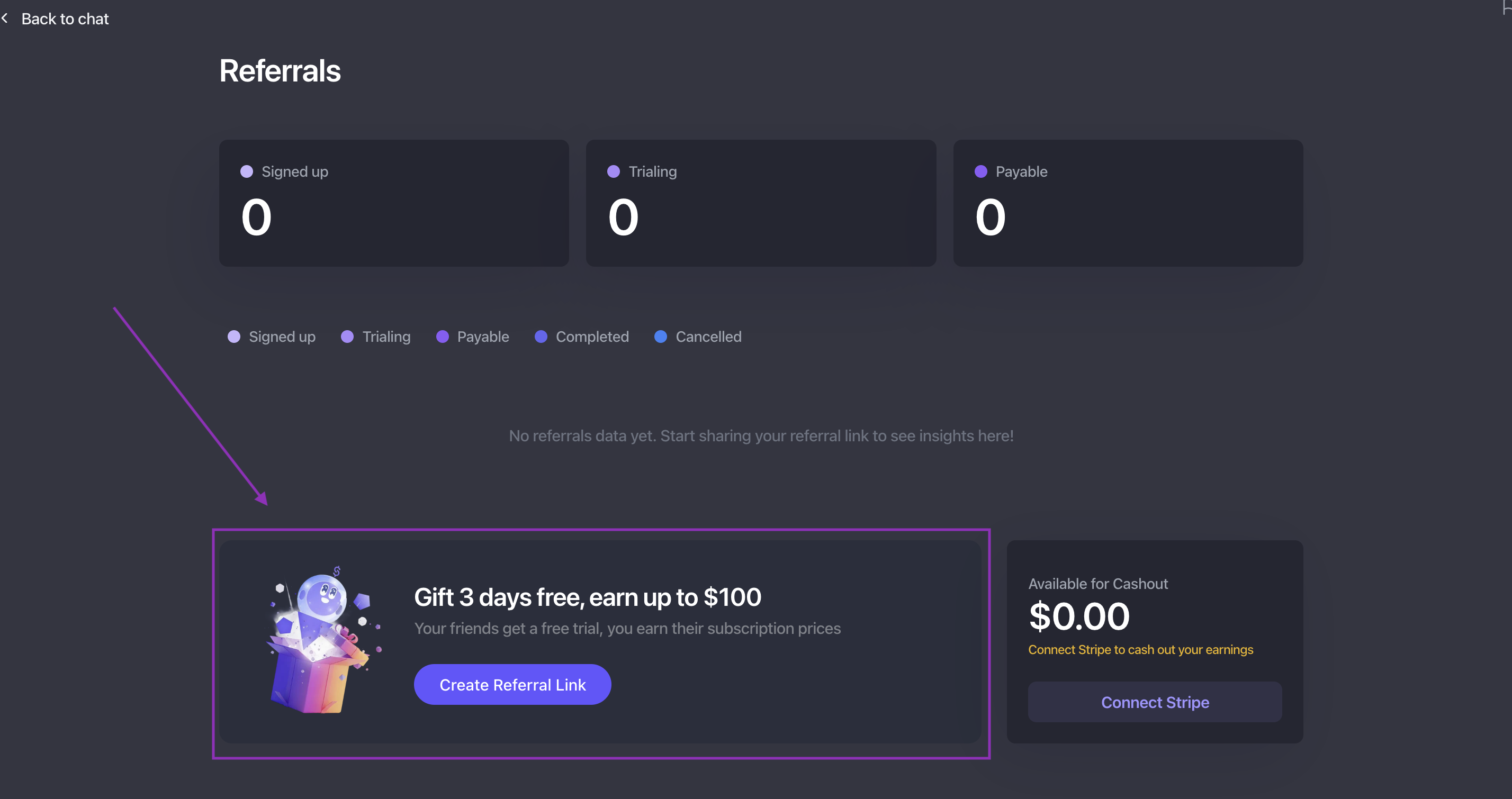
Copy your referral link to use anywhere you'd like! 🔗
Anyone who signs up using this link will automatically be tracked as your referral.
Where to share your link ✨
Your referral link works best when shared organically, such as:
In 1:1 messages
With Creators who ask about your workflow
During conversations where Stanley is a natural recommendation
🙋 Need a hand?
If you’re having trouble finding your referral link or aren’t sure whether it’s tracking correctly, email us anytime at stanley@stanwith.me and we’ll help 💌